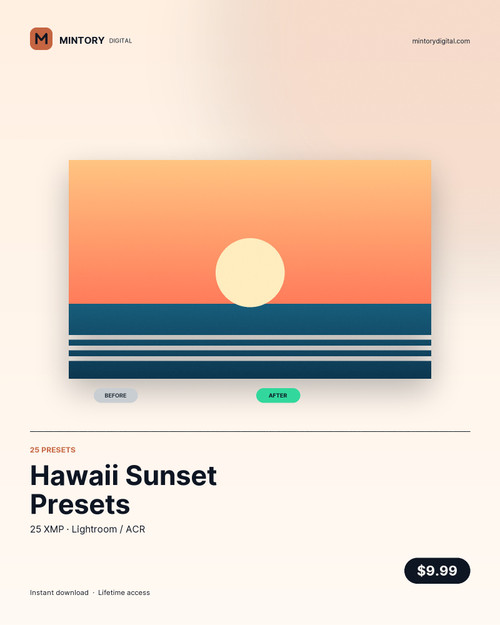
Twenty-five presets graded against real Hawaiian light: the ten minutes after sunset when the sky goes magenta and the water goes to slate, the hard noon glare off Haleiwa harbour, and the flat grey days that need help.
What you get
- 25 .xmp presets — import once, they appear in a Mintory › Hawaii Sunset group
- Colour set (12): Haleiwa Glow, North Shore Gold, Sunset Cliff, Longboard Dusk, Kona Heat, Waikiki Blue, Reef Water, Trade Wind, Salt Air, Deep Current, Portra Warm, Palm Shade
- Film set (8): Kodak Fade, Superia 400, Expired Roll, Cinema 800, Hibiscus Pop, Mango Fizz, Aloha Punch, Lava Rock
- Monochrome set (5): Bone Mono, Silver Press, Charcoal Soft, Newsprint, Ink Black
- preset-index.csv — what each one does, which one to reach for, and the exposure it expects
- Install notes — the two import paths, per app, in the readme
How it works
- Lightroom Classic: File → Import Profiles & Presets, select the folder.
- Lightroom (cloud): Presets → + → Import presets.
- Apply, then set exposure yourself. Every preset is built to sit at 0 EV on a correctly exposed frame — it will not rescue a two-stop miss.
- Batch it: select the shoot, Sync Settings, done.
What they are not
These are presets, not profiles — they move the standard sliders, so they work in Lightroom, Camera Raw, Bridge and Photoshop. They will not convert a JPEG into medium format, and they will not fix a white balance that was set in the wrong room. They will make twenty-five frames from the same afternoon look like one deliberate set.
Files: 25 XMP + CSV index + install notes. Works in Lightroom Classic 7.3+, Lightroom CC, ACR 10.3+. Licence: commercial, unlimited projects.